
Ready for a 9:16 timeline
Export at 9:16 so you can drop the clip straight into your Shorts workflow without reframing.
YouTube Shorts
Shorts are vertical, and so is this output. Describe the shot, generate a 9:16 clip, and keep every render in one private library.
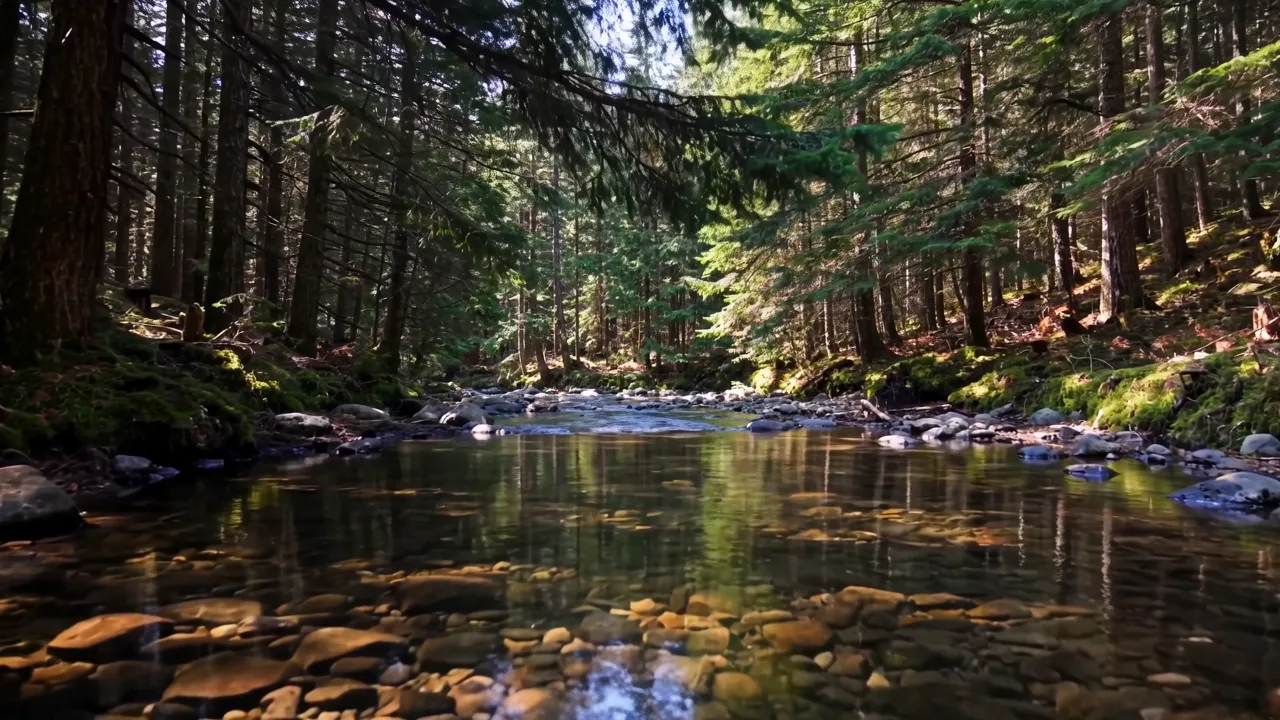
Concept imagery for inspiration. Generation results vary.
Export at 9:16 so you can drop the clip straight into your Shorts workflow without reframing.
Check the quote for your chosen model before testing several openings; every render records its exact credit cost.
Your history lists each job with its status, prompt, cost and completion time.
One idea per clip: a reveal, a product turn, a camera push into a landscape.
Choose the vertical variant, then submit. Queued jobs can be cancelled before submission if you change your mind.
Download the MP4 and add titles, music and a CTA in your editing app.
Check the terms of your plan and the model license before publishing commercially. The tool gives you a private copy; usage rights are yours to confirm.
The entry models render silent clips; Wan 3.0 generates audio. Add your own music or voice-over in the editor.
As many as your credit balance allows. The verified entry model costs 2 credits per 5-second clip; other models have separate prices shown before generation. Welcome credits cover one entry-model attempt.
This tool outputs 720p at 9:16. That is the confirmed resolution of the verified model; higher resolutions are not offered yet.